One app, every casting feature you need
From your phone to your TV — see exactly what XCast can do.
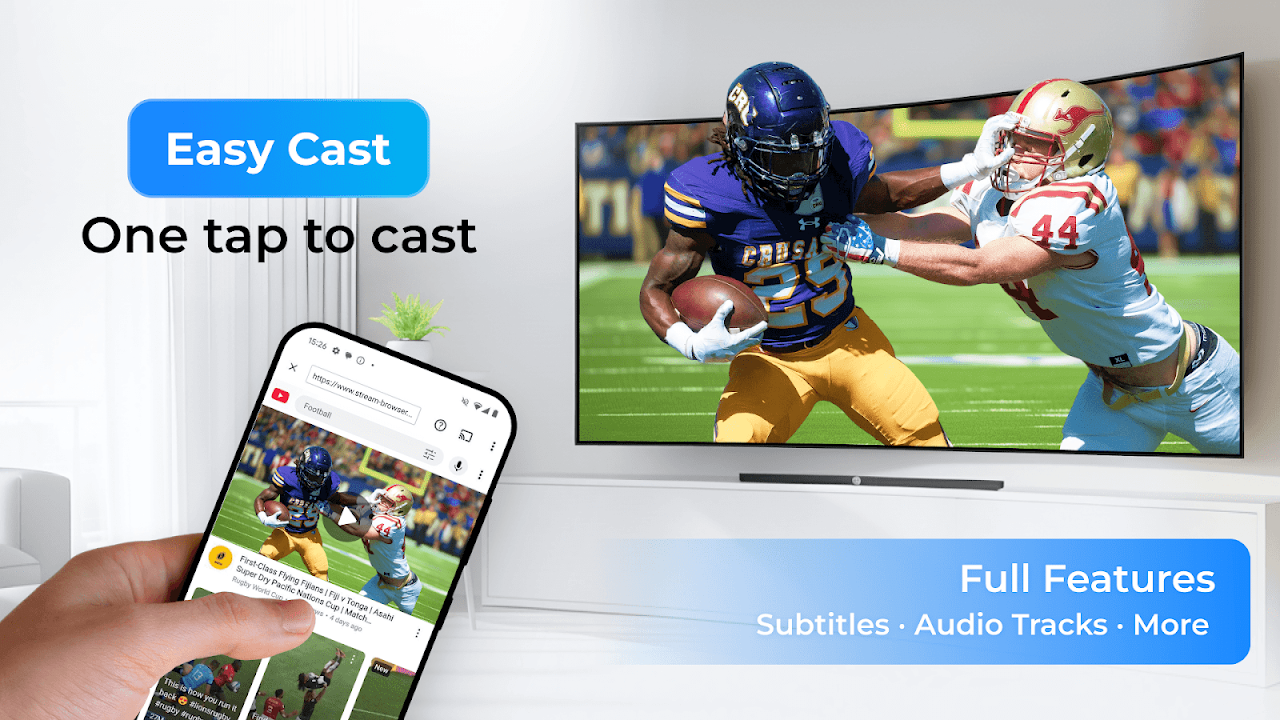
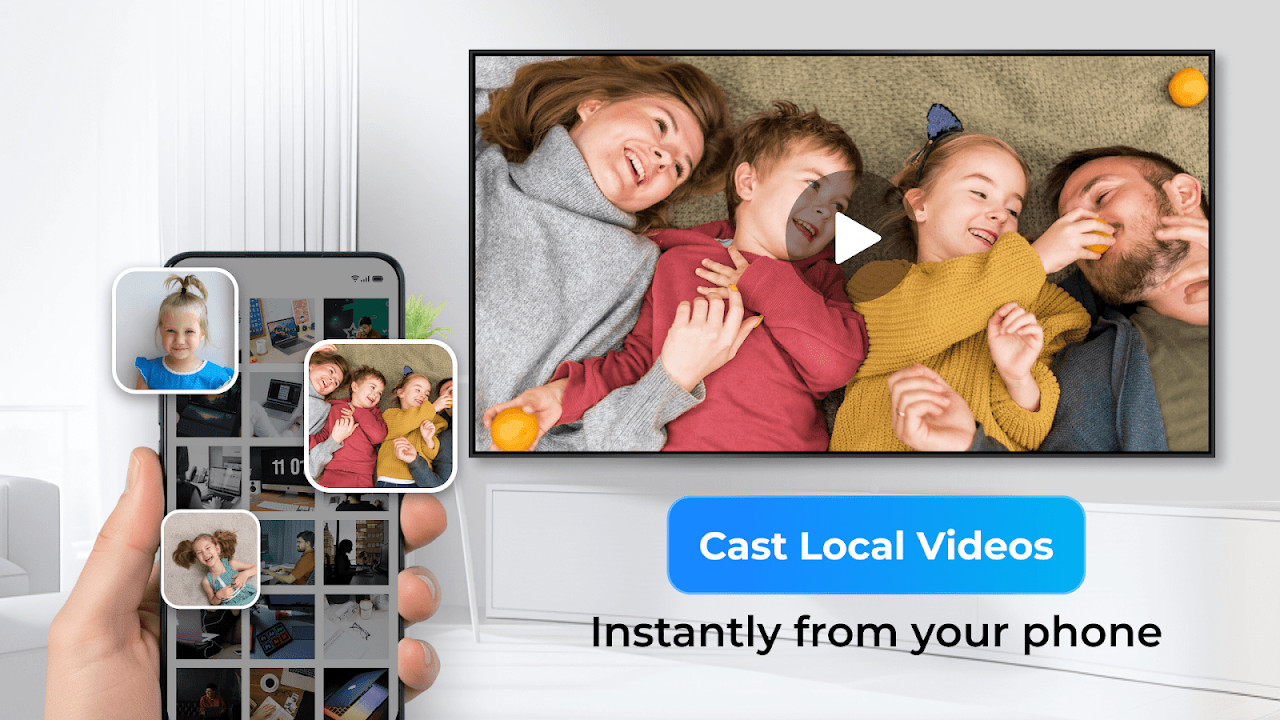
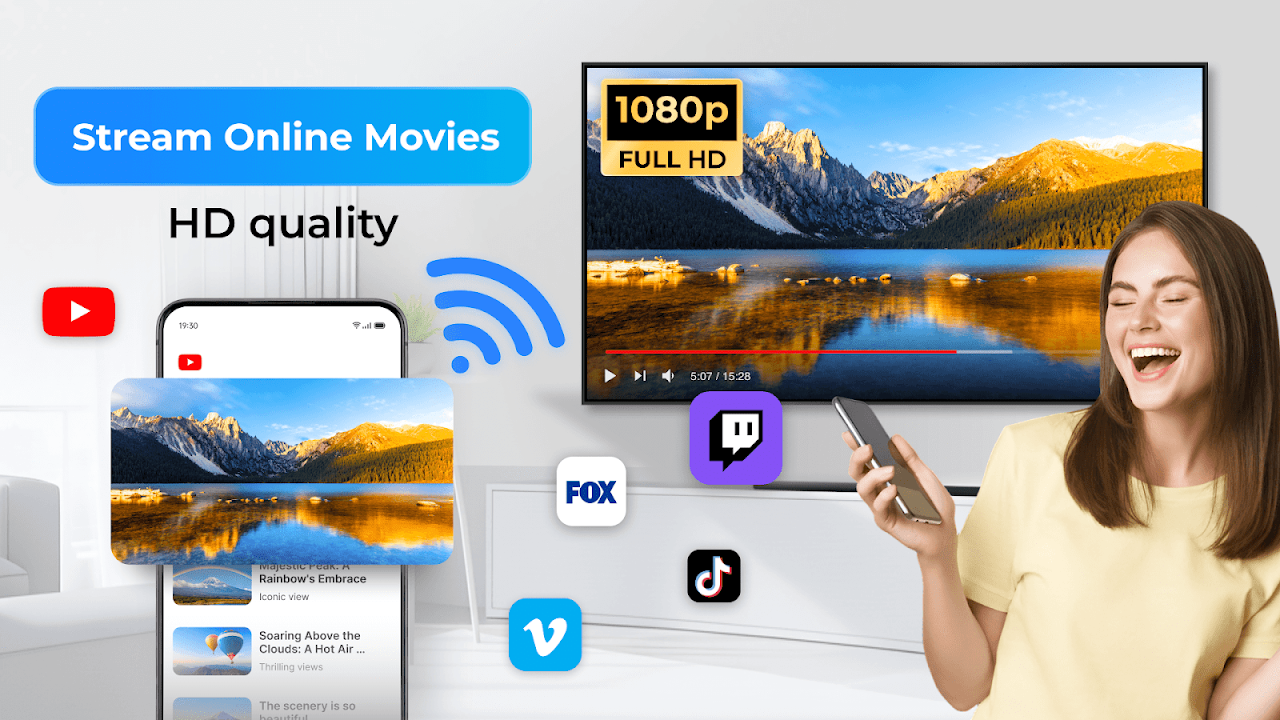
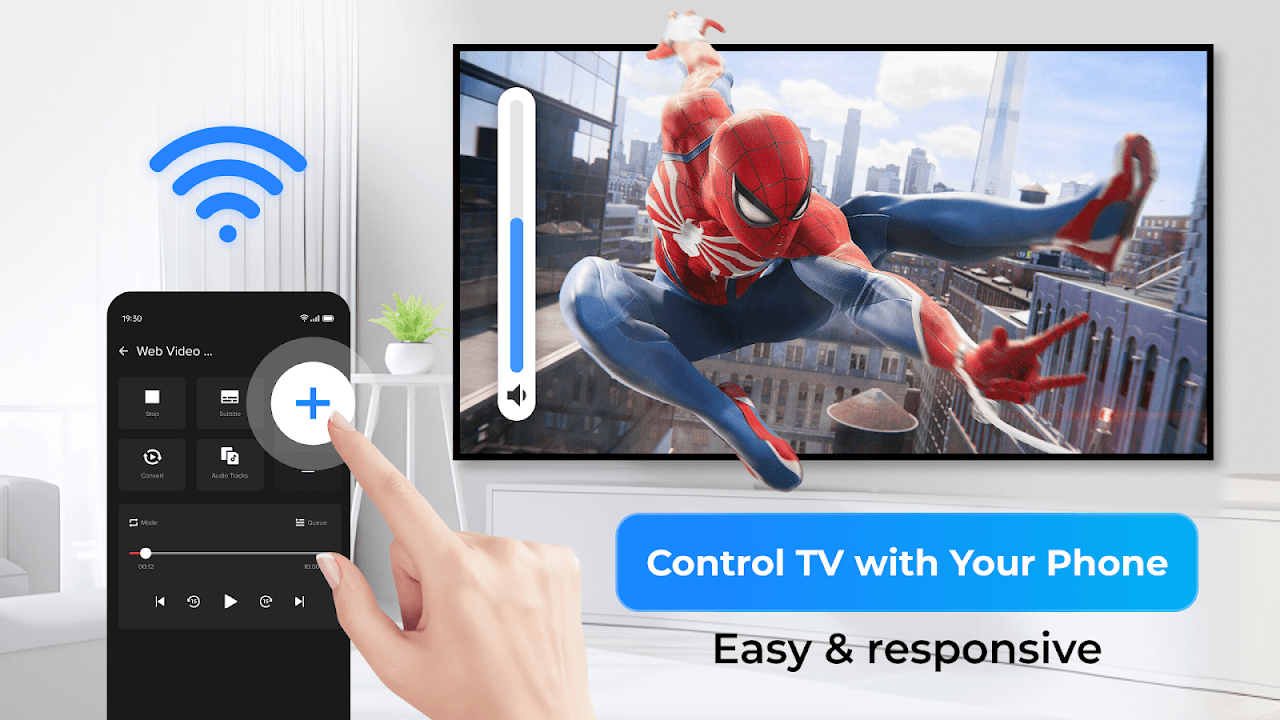
Built for speed and stability, from your phone to the biggest screen in the room.
From your phone to your TV — see exactly what XCast can do.
Cast directly from your phone to your TV, or add the receiver for fuller casting features and a smoother experience.
XCast is the sender app. Install it, join the same Wi-Fi as your TV, then tap Cast to send or stream media, or tap Mirror to share your screen.
Get it onGoogle Play

70M
Users' Choice
Already have XCast on your phone? The TV Receiver takes casting to the next level — faster, smoother, sharper.
Quick answers to the things people ask us most.
XCast TV Receiver is a companion app you install on your TV. It works together with the XCast app on your phone to give you a faster, more stable connection and better format support than casting over standard protocols.
If you have multiple TVs in your home or office, XCast TV Receiver automatically identifies each one by its user-assigned name (such as “Living Room TV” or “Conference Room 3B”) instead of a generic “TV” label. This allows you to easily find and tap the exact device you want to cast to without any confusion.
Videos, audio, and photos — from your phone's local files or from the web browser inside XCast. Live streams (M3U8/HLS) are also supported.
Usually, this means the file format isn't supported. Try Convert (Pro) on your phone to change the file into a supported format, and reconnect.
Yes. XCast TV Receiver supports subtitles for content cast from your phone, matching whatever subtitle option you've selected in the XCast app.
XCast TV Receiver doesn't require an account or collect your personal data. It only communicates with your phone over your local network to receive what you cast.
Email us at casttotv.feedback@gmail.com. Please include your TV model, system version, and a short description of the issue — a screenshot helps too.